

Local SEO can make or break a small business. When people search for services near them, you want your company to pop up at the top. Improving your local search rankings helps customers find you more easily and can boost your sales.

Getting started with local SEO might seem tricky, but it doesn’t have to be. Simple steps like claiming your Google Business Profile and getting customer reviews can make a big difference. You can also update your website with location-specific keywords and content to help search engines understand where you’re based.
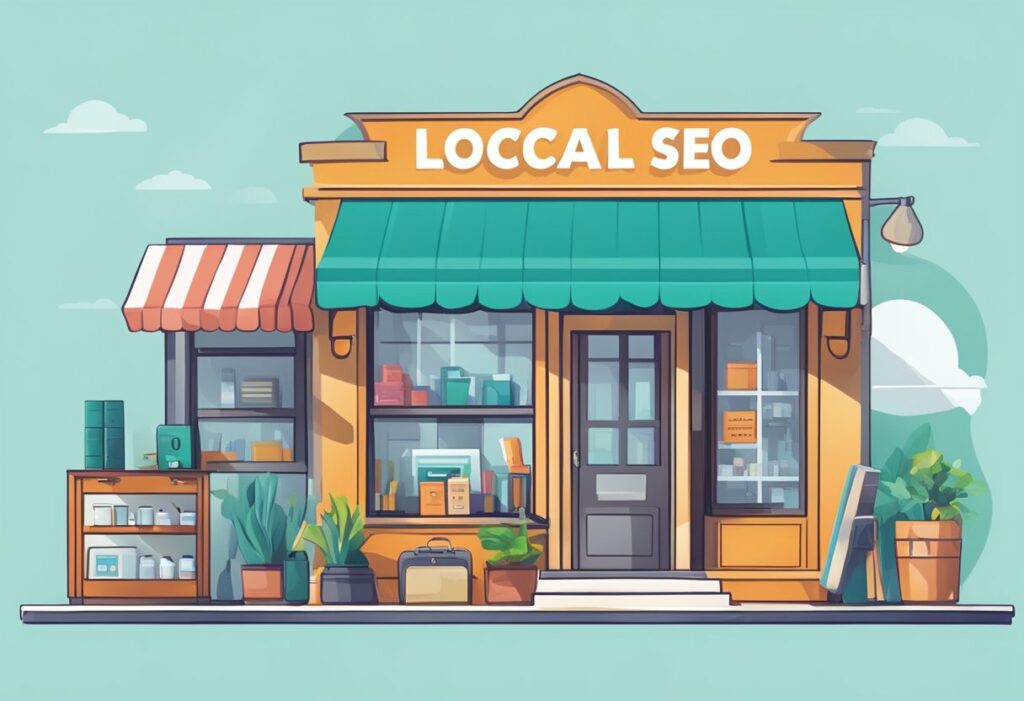
Think of local SEO as your digital storefront sign. Just like a physical sign helps people find your shop on the street, good local SEO helps them find you online. With some effort, you can make sure your business shows up when nearby customers are looking for what you offer.
Setting Up Google My Business

Getting your business on Google is a smart move. It’s free and easy to do. You’ll need to create a Google Business Profile. This helps people find you when they search online.
To start, go to the Google Business Profile website. Click “Manage now” and sign in with your Google account. If you don’t have one, you can make one for free.
Next, enter your business name and address. Pick your business category too. This tells Google what kind of business you run. Be as specific as you can.
Add your phone number and website if you have one. Then, verify your business. Google will send you a postcard with a code. This proves you really own the business.
While you wait for the postcard, fill out your profile. Add photos of your business and products. Write a short description about what you do. Include your hours and any special services you offer.
Once you get the postcard, enter the code on your profile. Your business will show up on Google Maps and Search. Keep your info up to date. This helps customers find you easily.
Remember to ask happy customers to leave reviews. Good reviews can boost your ranking on Google. Respond to all reviews, good and bad. This shows you care about customer feedback.
Optimizing Local Listings

Your local business listings are super important for getting found online. Start by claiming and verifying your Google Business Profile. Make sure all your info is correct and up-to-date.
Add lots of photos to show off your business. People love seeing what you’re all about before they visit. Don’t forget to include your hours, phone number, and website.
Keep your name, address, and phone number (NAP) the same across all listings. This helps search engines know you’re legit. Check sites like Yelp, Facebook, and industry-specific directories too.
Ask happy customers to leave reviews. Respond to all reviews, good or bad. This shows you care about customer feedback.
Here’s a quick checklist for your listings:
- Accurate business name
- Current address
- Correct phone number
- Updated hours
- Recent photos
- Customer reviews
- Detailed business description
Remember to update your listings if anything changes. Your online presence is often the first impression customers get, so make it count!
Collecting Customer Reviews

Getting customer reviews is key for your local business. They help build trust and improve your local SEO. Here are some tips to get more reviews:
- Just ask! Many customers will leave a review if you simply request one.
- Make it easy. Give clear instructions on how to leave a review.
- Try different methods:
- Email requests
- In-person asks
- Text message links
You can collect email addresses during checkout to follow up later. A personalized email with the customer’s name and what they bought works well.
Don’t forget to include a direct link to your review page. The easier you make it, the more likely customers will follow through.
Mix up your approach. Some folks prefer face-to-face requests, while others like a quick text. Try various ways to see what gets the best response for your business.
Remember to keep it simple. A short, friendly ask is often all you need. Your customers want to support you – give them an easy way to do it through reviews!
Local Link Building

Link building is key for boosting your small business’s local SEO. It’s all about getting other websites to link back to yours. This helps search engines see your site as more trustworthy and relevant.
Start by reaching out to other local businesses. You can offer to write guest posts for their blogs or suggest ways to collaborate. Local chambers of commerce and business associations are great places to start too.
Don’t forget about local events and sponsorships. These often come with the chance to get your business listed on event websites. It’s an easy way to snag some quality local links.
Here are some quick ideas for local link building:
- Partner with nearby non-competing businesses
- Get listed in local business directories
- Sponsor community events or sports teams
- Create content about local topics or news
- Offer testimonials to suppliers or partners
Remember, quality beats quantity. A few strong links from respected local sites can do more for you than lots of weak ones. Focus on building relationships in your community. These connections can lead to valuable links and local customers.
Tools For Local SEO
You’ve got lots of options when it comes to local SEO tools. Let’s look at some top choices to help your small business shine online.
Semrush is a popular all-in-one tool. It lets you manage business listings, keep an eye on reviews, and track how you rank on Google Maps. Pretty handy, right?
Moz Local is another great pick. It spreads your business info across directories automatically. You can update your details in one place, and Moz does the rest. It’s a real time-saver.
Want to find where you’re listed online? Try Whitespark’s Local Citation Finder. It digs up mentions of your business and helps you spot new listing opportunities.
Here’s a quick list of other useful tools:
- Google Business Profile (free and essential!)
- BrightLocal (for rank tracking and reporting)
- Yext (for listing management)
- GatherUp (for review management)
Remember, you don’t need to use every tool out there. Pick the ones that fit your needs and budget. Start small and build up as you go. With the right tools, you’ll boost your local SEO game in no time!